Your people out on the road need today's jobs. And proof each one is done.
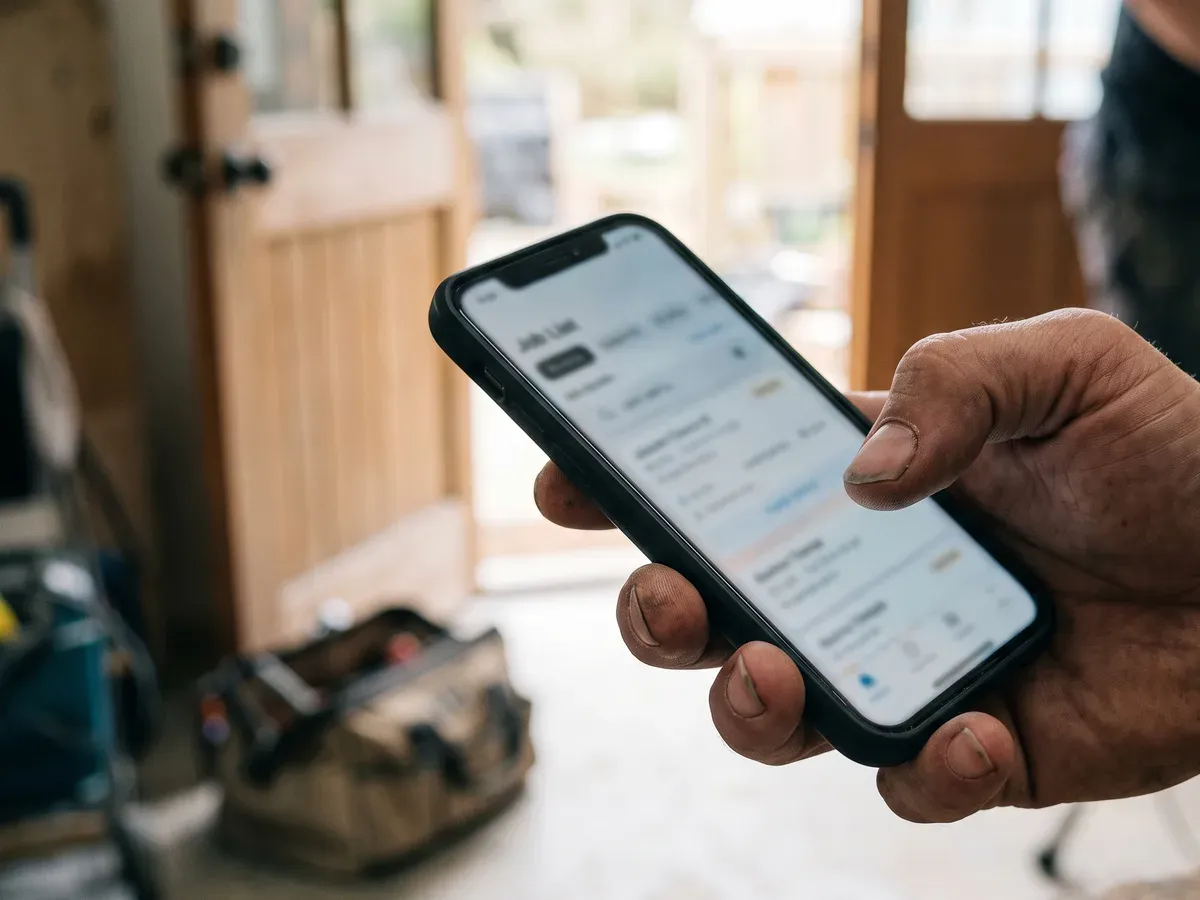
Their jobs in the order they are doing them, the address, the customer and the phone number, and work marked done with photographs. Your back office stays yours alone, because none of it is on the app. It installs on the phone they already carry and it keeps working when the signal drops.
From £495, quoted for your trade, and included on Full. It is built for UK small businesses, trades and local services whose people go out to the work.
What is the staff app?
The staff app is a small app your people carry, and it holds one thing: the work they are doing today. They open it outside a house, one handed, often in the rain, with a van running behind them. So it shows where, who, what needs doing, how to get in, and two things to press: mark it done, and take a photograph.
That is the whole of it, and the restraint is the design rather than a shortcut. Everything a person standing on a doorstep does not need has been kept off it deliberately, which is why somebody can be shown it once and then use it with gloves on.
What is included, and where does it stop?
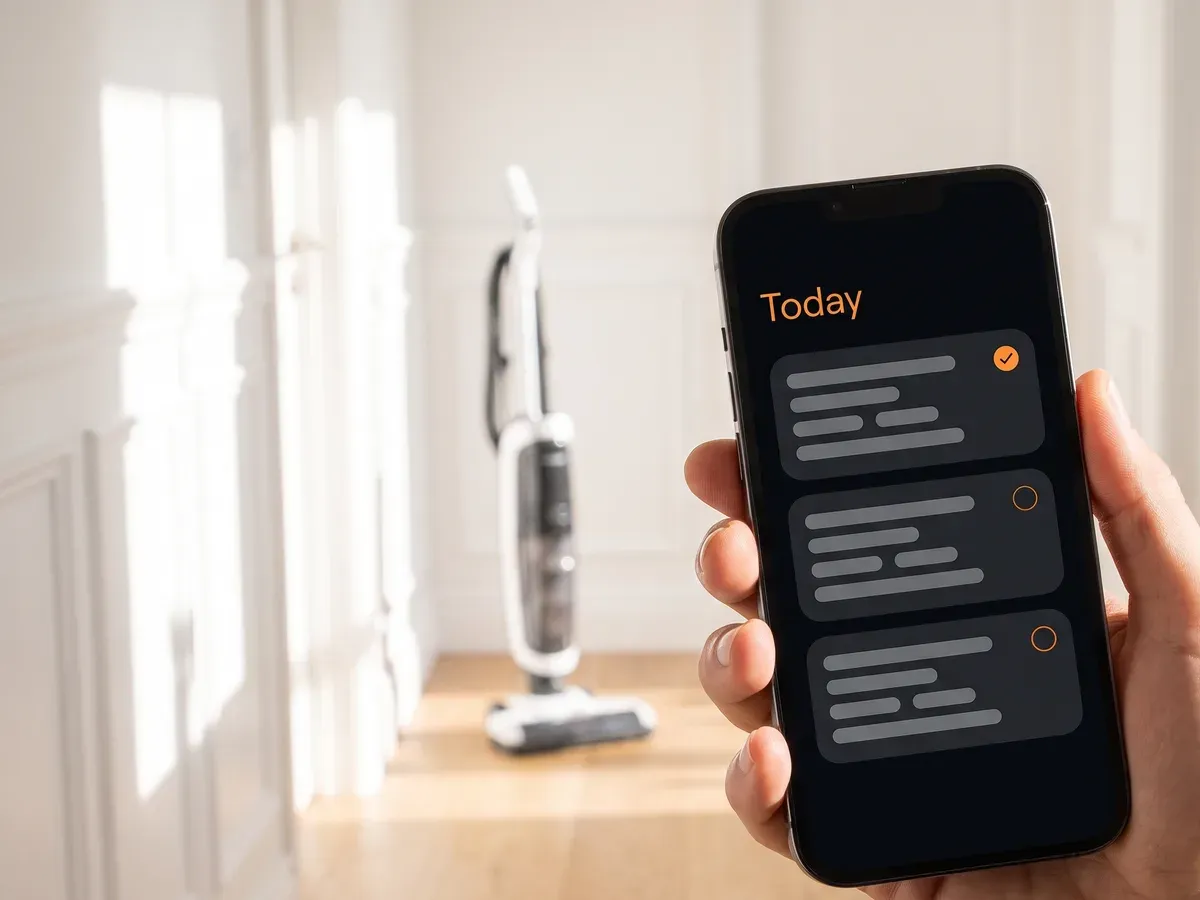
The staff app includes their jobs, the address, the customer, and work marked done with photos. Anything more specialised to your trade, we quote.
That sentence is on this page on purpose. "The staff app included" with nothing after it is an open promise to build you unlimited software for a monthly fee, and the argument about what it covers always comes later and always goes badly.
From £495, quoted for your trade, and included on Full. Recalls, consent forms, stock, certificates and anything else your work genuinely needs is a bigger build with its own fixed price, given to you before anybody starts.
Two people out on the road, or ten jobs in a week, and the app is already paying for itself. Count who is out tomorrow morning and you have your answer. A round that comes back to the same houses every week is the other way in.
Under ten jobs a week, the day's work sits in your back office instead, on the same data. So on the day you grow into the full app, nothing is rebuilt and nothing is lost.
What happens when they ask for extra work halfway through?
The customer signs for the extra work on your phone, at the price you gave them, before it is started. You are already there. They ask for something that was not in the original price. You say what it costs, they read it, they sign it, and from that moment it is in writing.
Everybody who does this work knows the other version. You get on with it because you are standing there and going back is worse. Then the bill goes out and somebody says they never agreed to that, and there is nothing anywhere that says they did.
One person remembers the conversation one way and one remembers it the other, and the one holding the money usually wins.
You add it, with the price
What they have asked for, and what it costs. It adds itself up as you go, so the figure they are looking at is the figure you are both talking about.
Customers read it and sign
The whole thing is on the screen in normal sized writing, not tucked underneath in small print. They sign with a finger. Whoever is actually standing there signs, which is not always the name on the job.
Then nobody can change it
Not them, not your people, and not you. What they agreed to is kept exactly as they saw it, with the date and the time on it. That is the part that ends the argument.
A note in somebody's phone can be tidied up afterwards, which is why a note in somebody's phone settles nothing. This cannot be, and that is the whole reason it is worth having. It is waiting in your back office with the job before you get back, so when you come to bill it you can see what was agreed and exactly when.
What people ask about the app
The questions people ask before they hand it to their staff, answered in plain words. The prices, what you own and what happens to your data are answered on the pages that own them.
Can my staff see what I charge?
No. Money is not on the app at all. Not the price of the job, not the margin, not what you paid for the parts, and not the notes you wrote to yourself about the customer.
That is a decision rather than something nobody got round to. The person fitting a boiler does not need your margin on the screen while they are standing in the customer's kitchen, and the customer leaning over to look does not need it either.
Is it another login for my people to lose?
No. One sign in each, and it takes them where they belong. Somebody out on the road lands on today's work. You land on the back office. Same website, same login screen, different door.
It is not a separate service with its own password and its own monthly fee, which is the usual shape of these things and the reason half of them get abandoned in the first month.
The short list of things it does join up to is on its own page, along with what stays exactly where it is.
Do we have to get it from the app store?
No, and that is deliberate. It installs straight onto the home screen from your own web address, so it sits next to the phone dialler rather than being a bookmark nobody can find again.
An app store listing means a developer account, a review process and an update to chase every time something changes, all for a job list. None of that would make it better for the person holding the phone.
What if my work does not look like a list of jobs?
Then you get the screen your work actually needs. Four questions get asked before anybody builds anything. A decorator on day three of one job and somebody doing six calls a day are not looking at the same screen. Nor is a round that visits the same houses every week.
- What counts as one job? One visit, or one job that runs over several days. The answer decides what the first screen shows them.
- Same addresses, or new ones? New addresses need getting there. The same round every week needs the key, the alarm code and what was different last time.
- Who is out on the road? The people who travel are the ones using it, so it is built for their day rather than for the office.
- What goes wrong when they rush? Every trade has one thing and it is different every time. It is the part of this app a competitor could not copy off you.
Twenty minutes on the phone answers all four, and the price you are given afterwards is fixed and in writing.
What proof does it actually capture?
Photographs, and the customer's signature over anything extra they asked for. A dated before and after settles "it was like that when you got here" without an argument, and for the trades that certify their work it is part of the record rather than a nicety. The signature settles the other argument, the one about the bill.
The photograph goes straight from the phone to storage rather than being pushed through the app, because a six megabyte picture sent from a van on two bars is exactly the thing that fails halfway and then tells somebody a finished job did not save.
How a build runs, from the first call to the day it goes live →
What else is worth reading?
Every page here answers one question properly rather than skimming five. These are the others, and each one says what it is before you click it.
Foothold AI: websites and AI for local service businesses
A website that gets found, a back office that runs the day, and an app for your team. From £295 to set up and £99 a month. Suffolk based, UK wide.
Where we work: Suffolk and north Essex
Twenty towns across Suffolk and north Essex, from Sudbury. Most are twenty or thirty minutes away, and the person who builds your site comes out.
AI implementation for UK businesses
We build AI into how UK businesses actually work: quoting, chasing, scheduling and reading documents. Scoped first, fixed-quoted before any build.
Websites for electricians that bring in work
A website for an electrician, the back office it feeds and the app your engineers use on site. Published prices, no lock-in, and you own it all.
Tell us how your people get their day.
Twenty minutes on the phone, the four questions above, and a fixed price in writing afterwards. You will know exactly what it does for a business your size before you spend anything, and finding that out costs nothing.
Nothing to pay, and nothing to sign. The screen you would use yourself is on the back office page, and how a build actually runs is on how it works.